Introduction
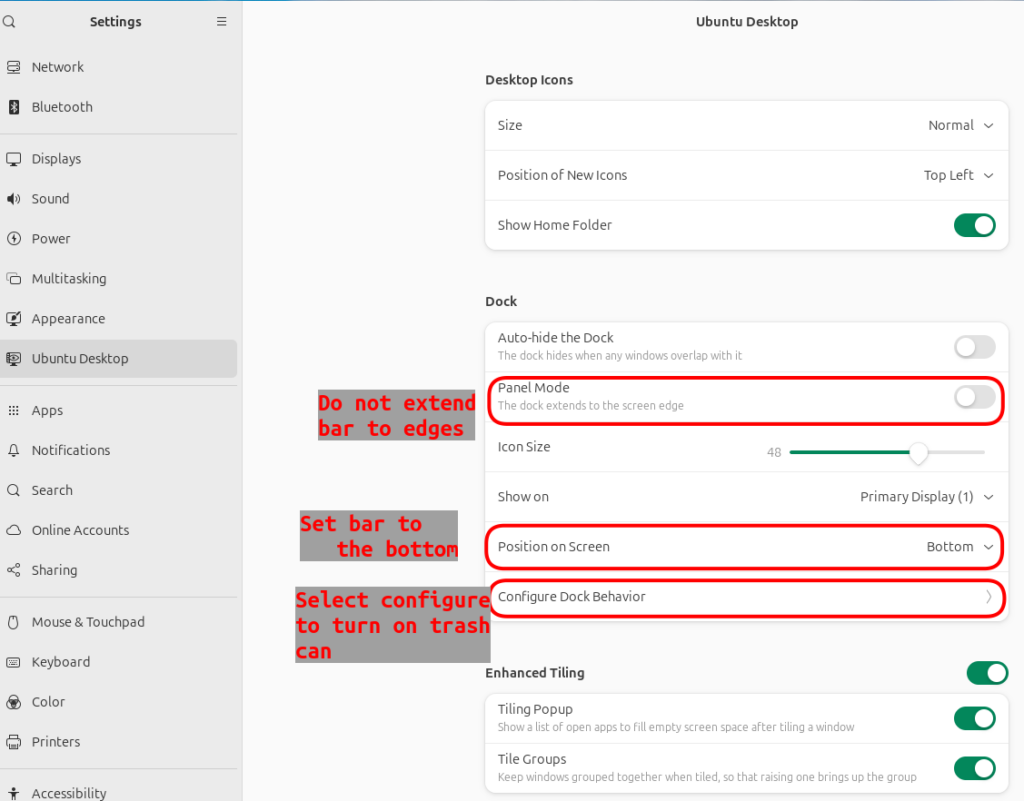
There are a few items we can do to make the standard default Ubuntu desktop more usable. Specifically, we can turn off the multiple workspace option and we can dock the application bar at the bottom. This will make it a little more standard to what most people are comfortable with.
Turn off multiple workspaces
Ubuntu by default has two or more workspaces activated by default. However, most people only ever use one workspace. When working, sometimes, the other workspace will pop out. This be behavior is obnoxious and unwanted by most end users.
A quick solution is to just turn off all workspaces, except one.
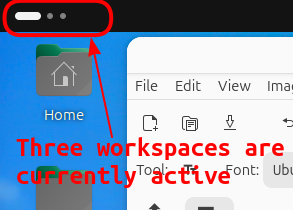
Firtst, find out how many workspces you have by checking the upper left corrner.
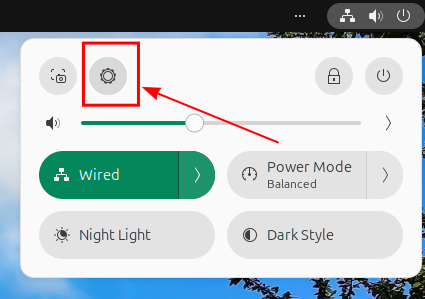
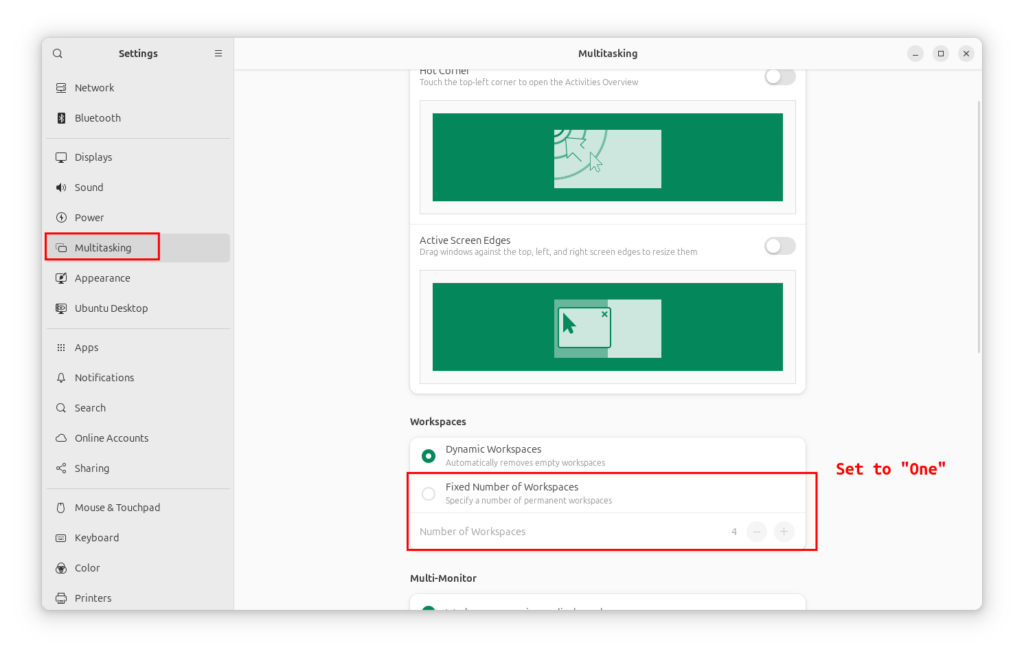
Next, go to Setting, Multiptasking, Workspaces, set fixed number of workspaces to One.
Move task bar to bottom and center
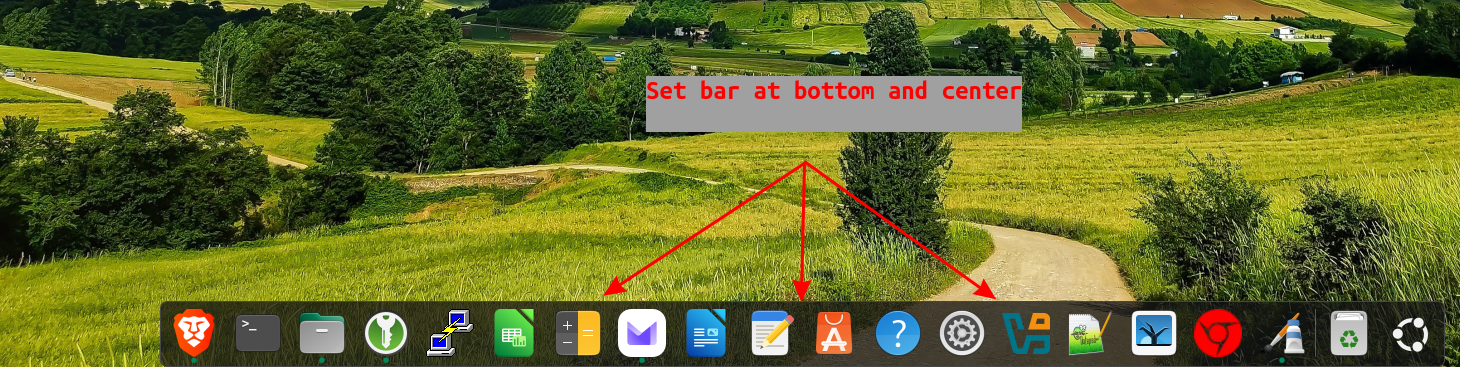
Default ubuntu behavior is to place bar on left side of screen. I like to display my dock bar at the bottom and also show the trash can.

You can extend the bar to the screen edges and this will push all icons to the left. But I persoanlly like to just center everything.